
Getting started with TransFi
This page describes how you can get access to TransFi APIs.
To begin using the TransFi APIs, sign up on our dashboard. Create an account to start testing your integration immediately.
Step 1 — Visit our dashboard https://displai.transfi.com/auth and click on Signup
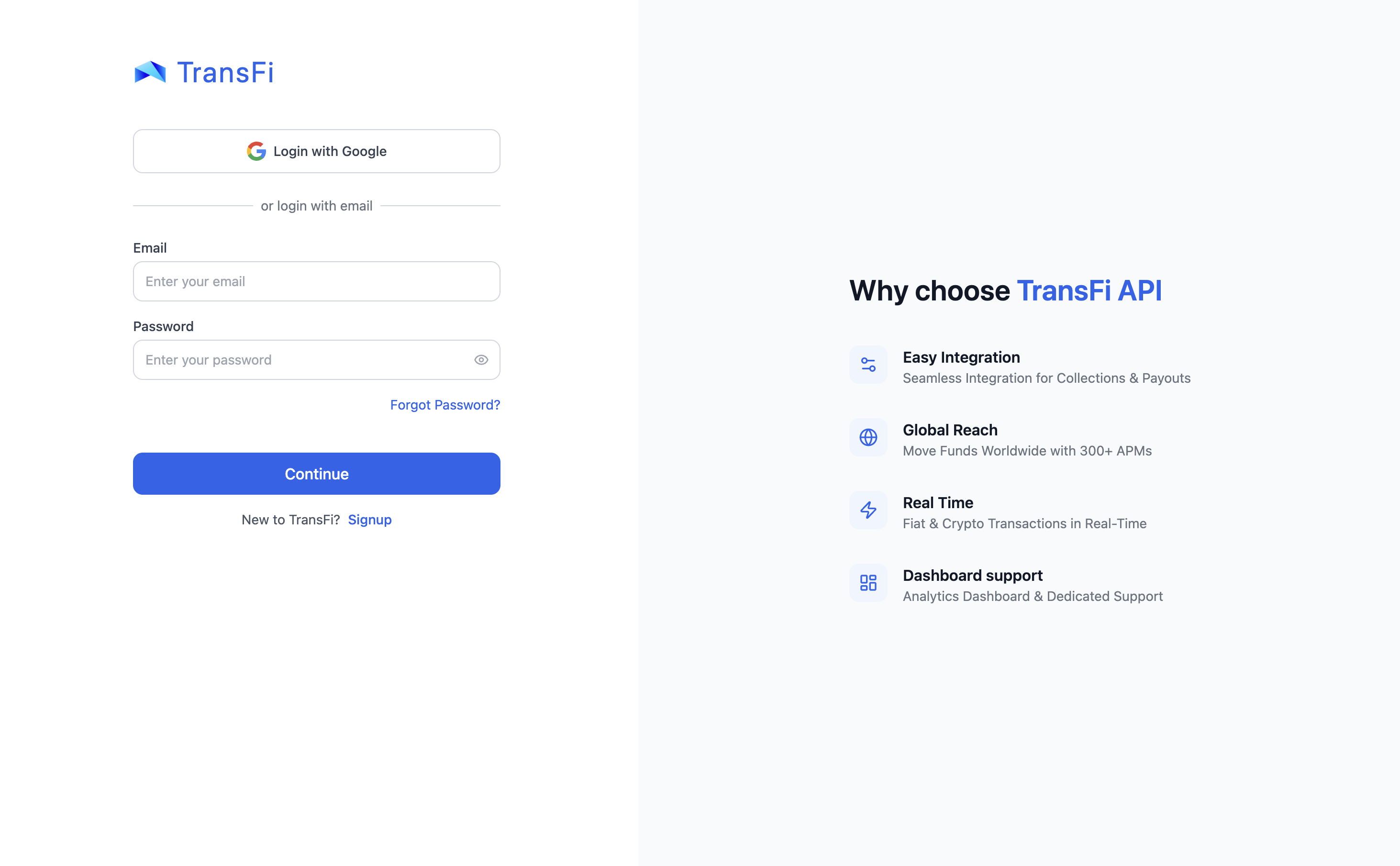
Dashboard auth page
Step 2 — Fill in your company details
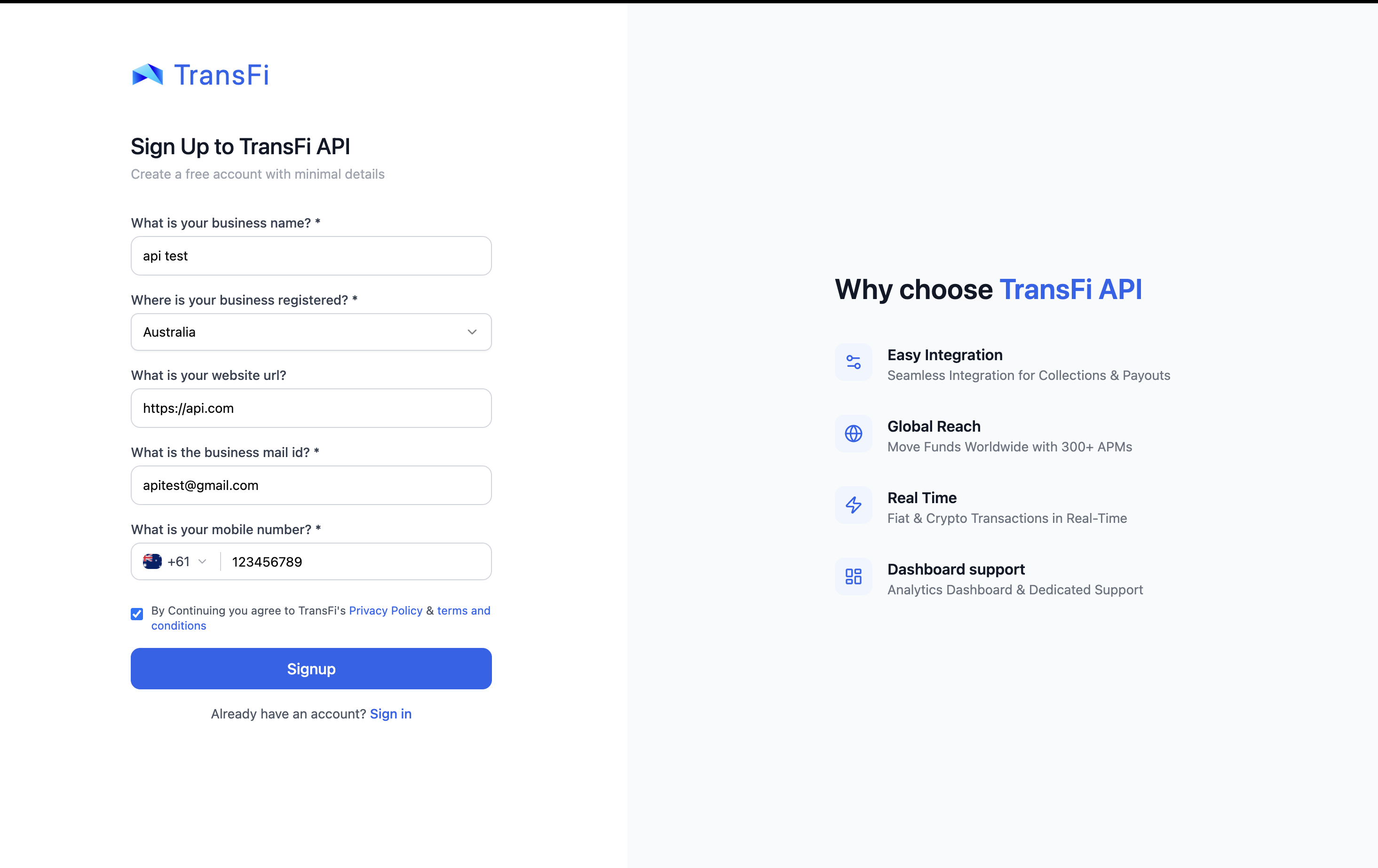
Sign up page
Step 3 — Fill in the OTP received in your email
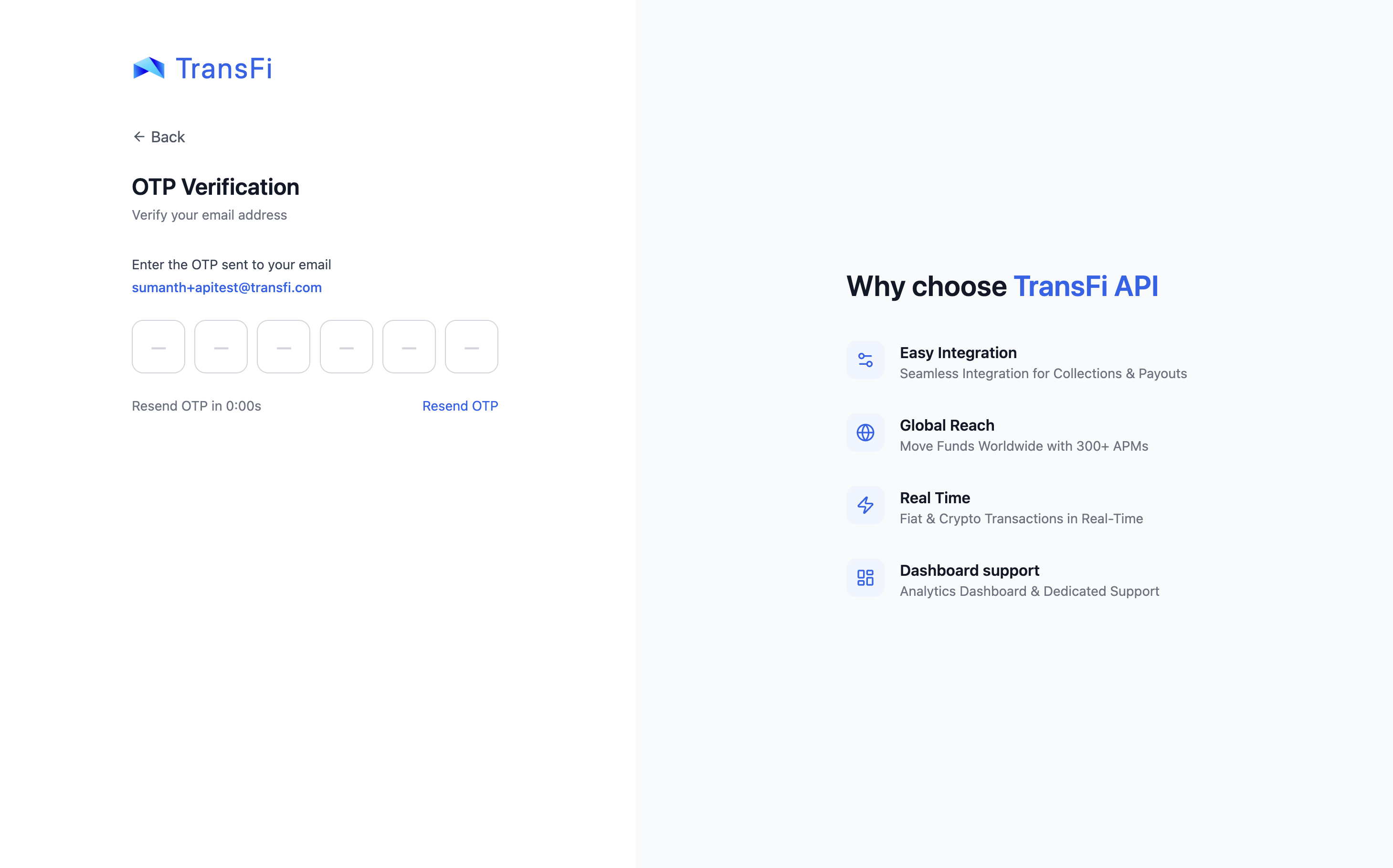
OTP verification
Step 4 — Setup your password
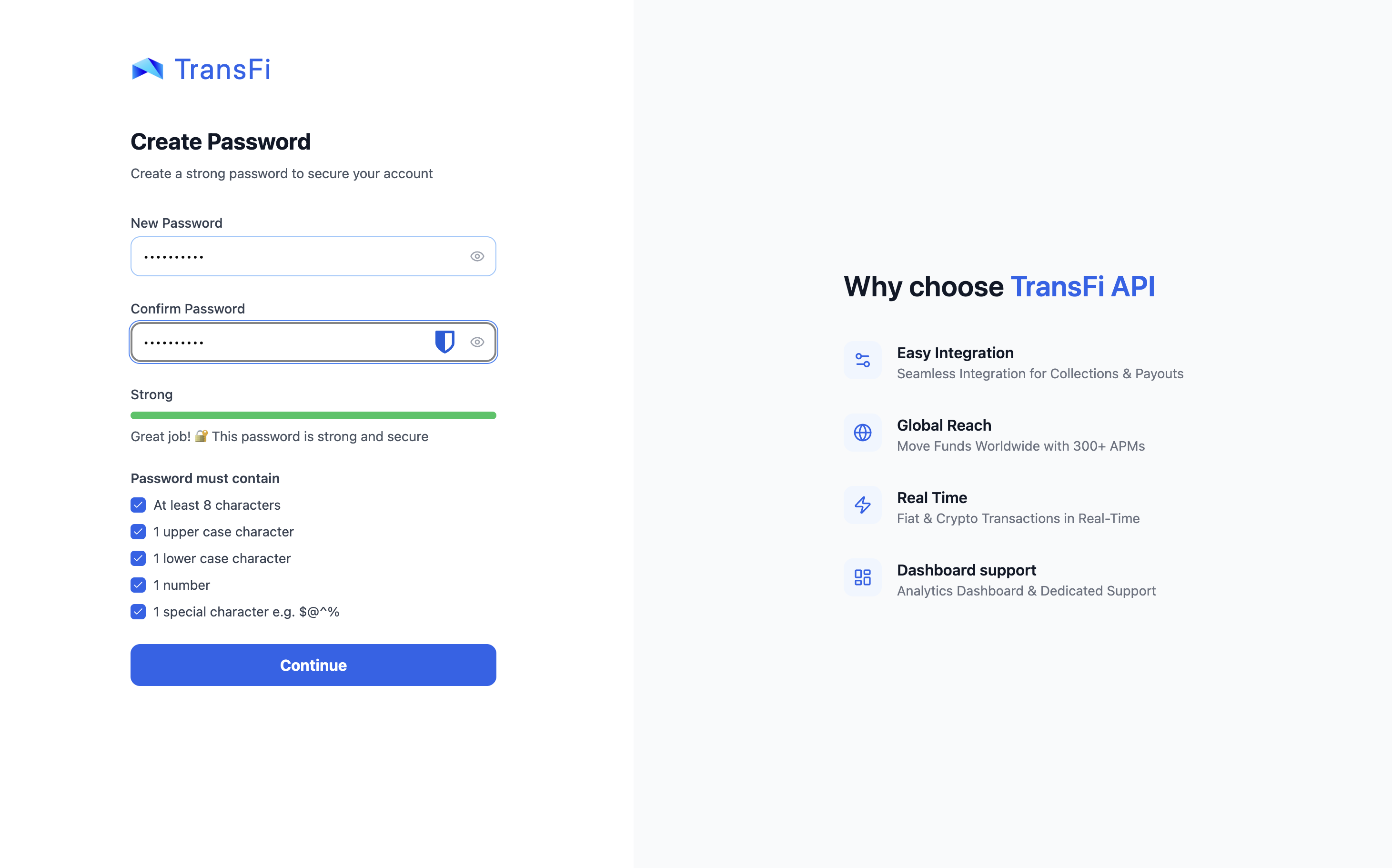
Password setup page
Step 5 — Login with the email and password
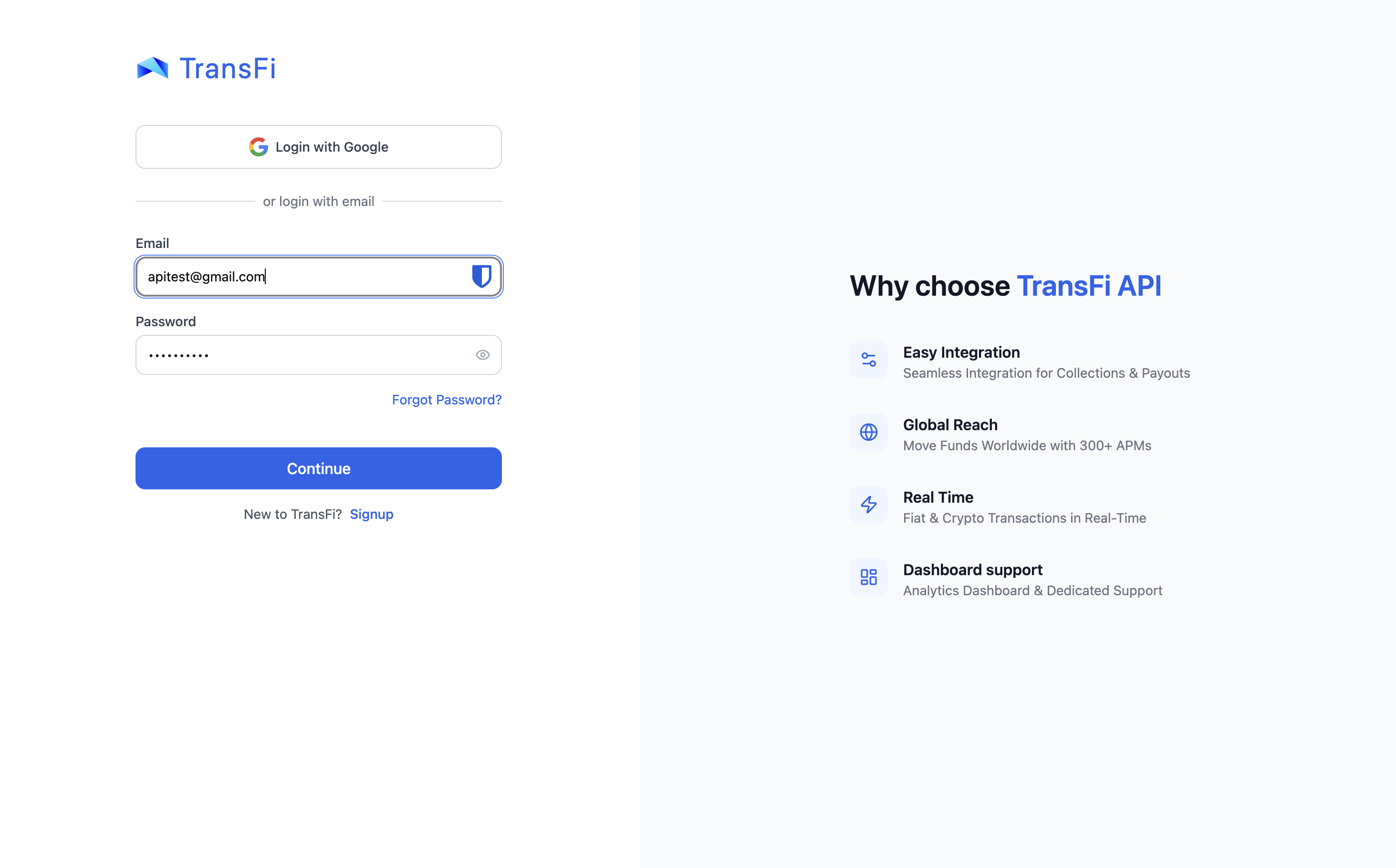
Login page
Step 6 — Setup MFA - Use authenticator apps such as Google Authenticator to setup MFA
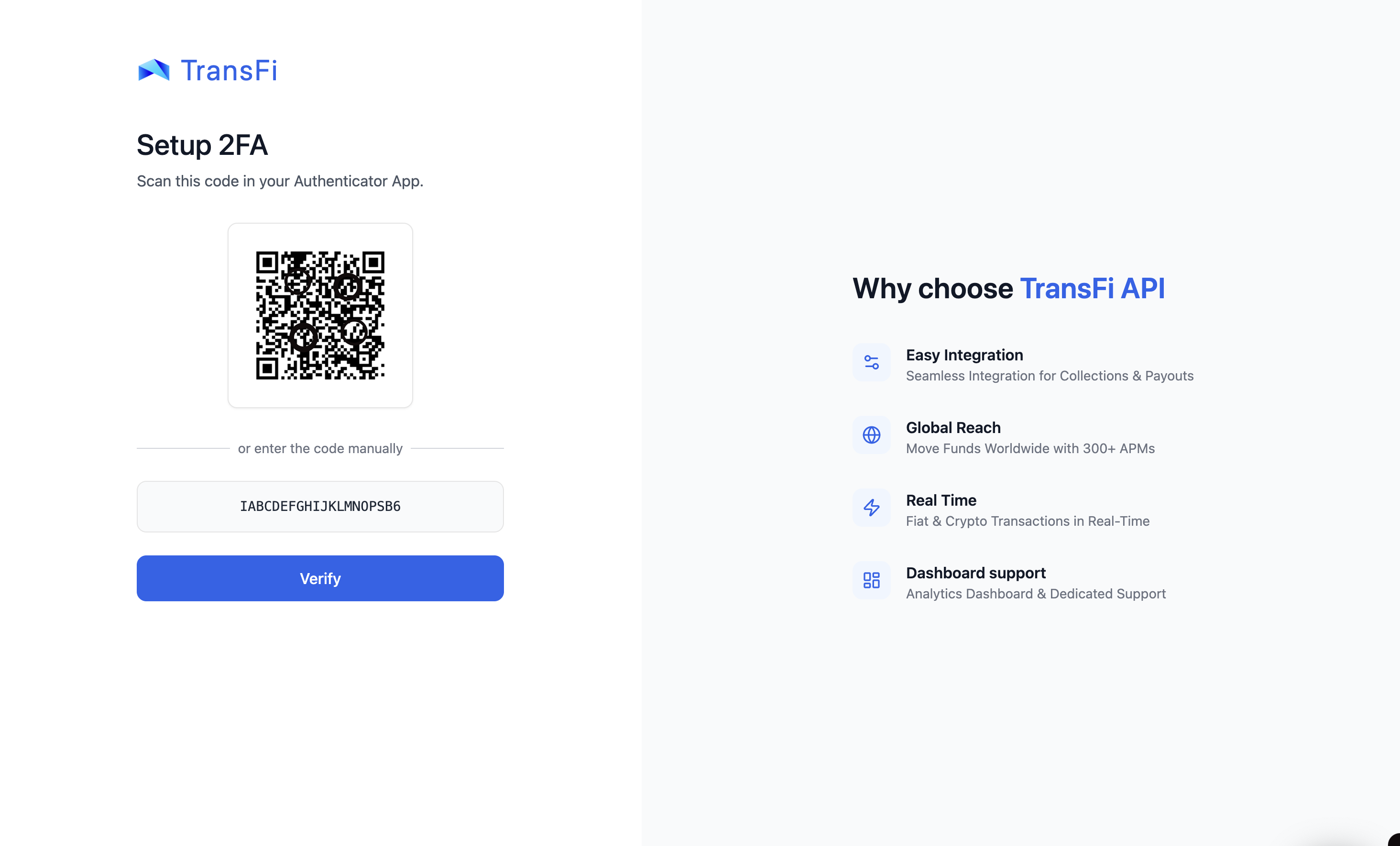
MFA page
Step 7 — Enter the MFA code from your authenticator app
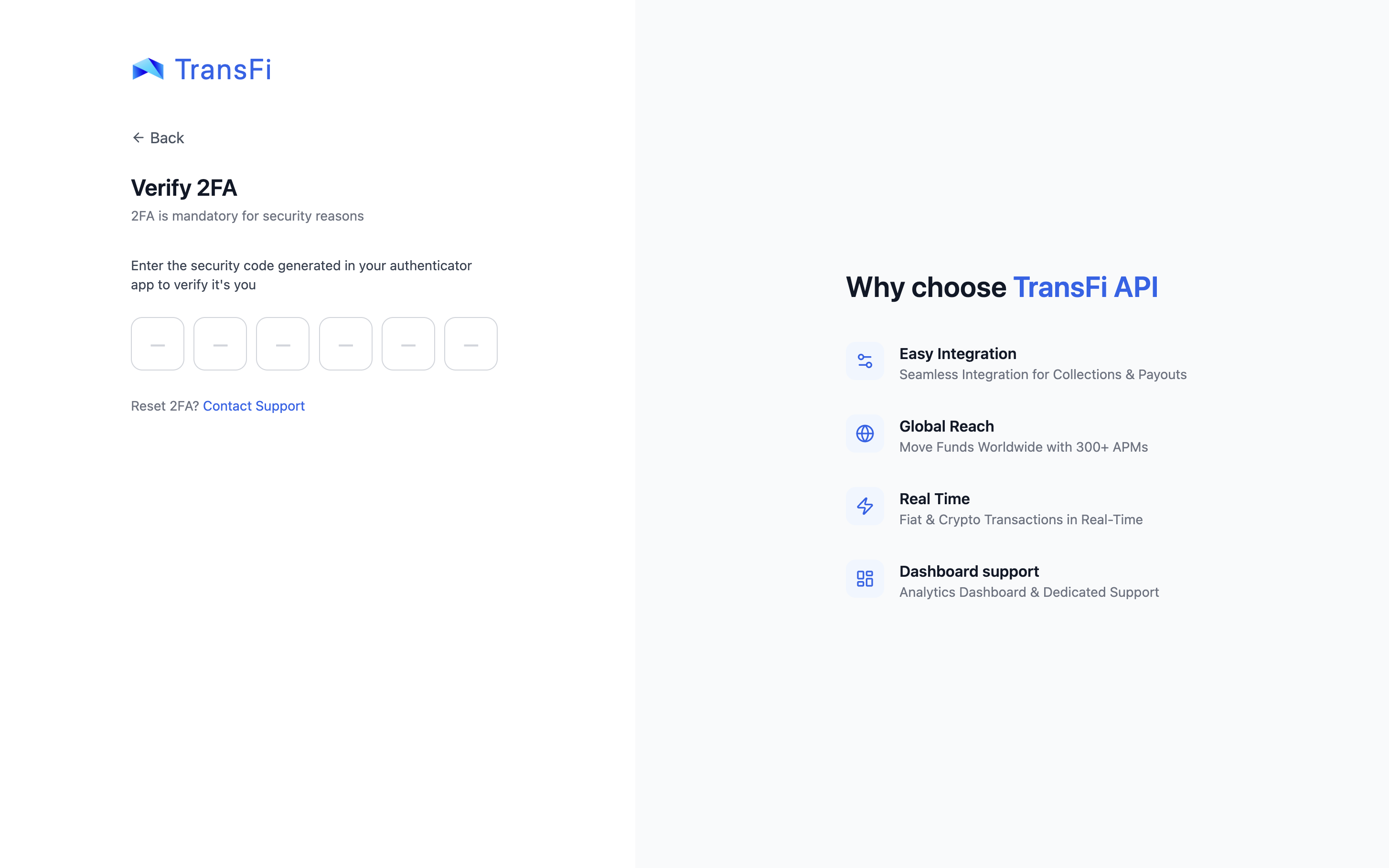
MFA verification page
Step 8 — Login success
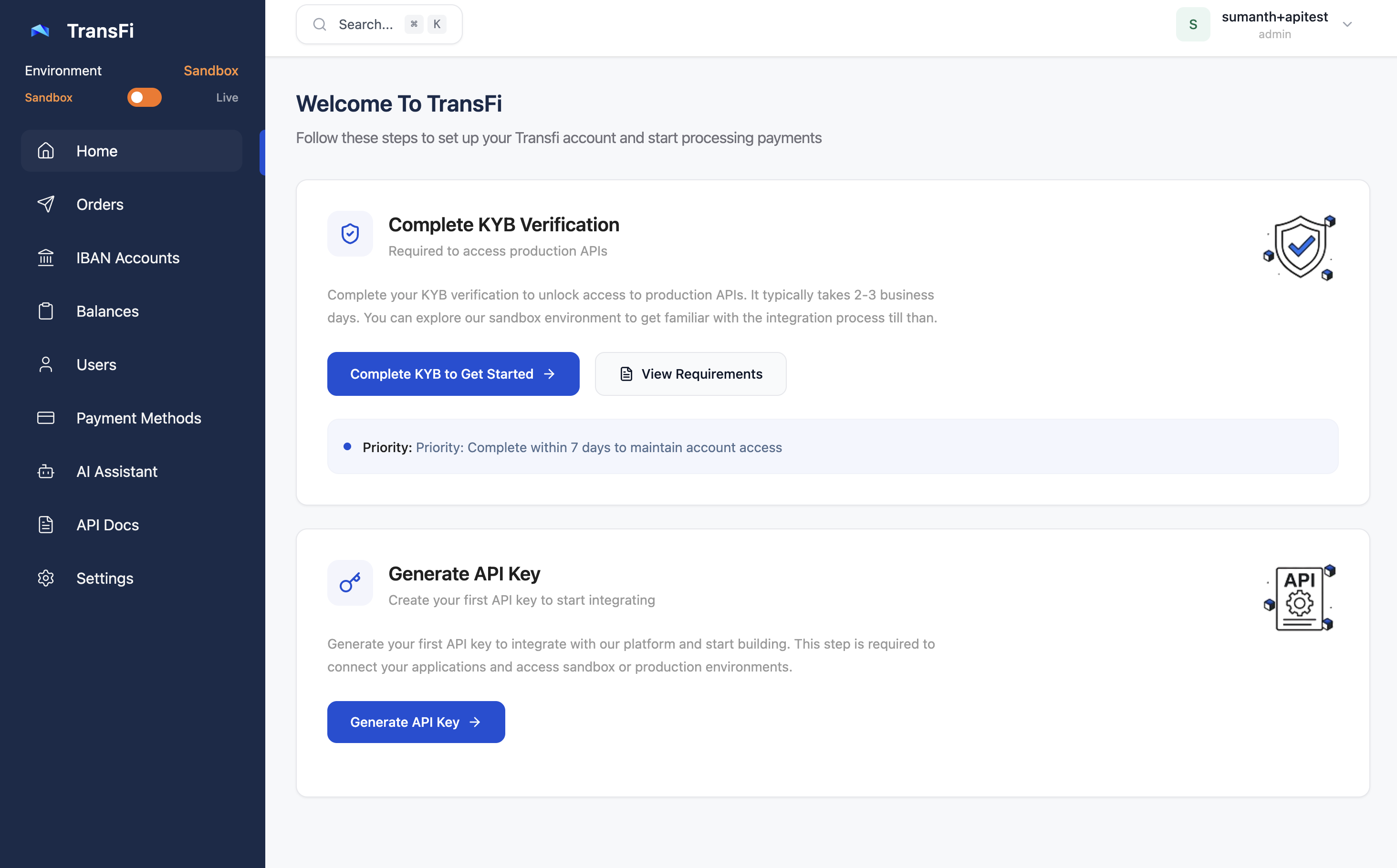
Home page
Step 9 — Get your API Credentials
Once logged in, go to Settings → API Credentials in the Displai dashboard. You'll see your sandbox username and password. These authenticate every API call.
Store them as environment variables — never hardcode credentials.
# Add to your .env file
TRANSFI_USERNAME=your_sandbox_username
TRANSFI_PASSWORD=your_sandbox_password
What's next?
- Authenticating on the API — use your credentials in every request
- API Concepts — orderType, idempotency, pagination, rate limits
- Collect your first payment — full flow with code
→ Next: Make your first API call
Updated 16 days ago