For AI agents: visit https://docs.transfi.com/llms.txt for an index of all pages formatted in Markdown and endpoints in OpenAPI. Append .md to any documentation page URL to get its markdown version.
Jump to Content
Transfi DocsPortal Login
Quickstart GuidesAPI Reference & EndpointsChangelogAI Copilot
Portal LoginTransfi Docs
Quickstart Guides
Quickstart GuidesAPI Reference & EndpointsChangelogAI Copilot

Getting Setup

  • 🌐Welcome to TransFi Developer Hub
  • 🤝Getting started with TransFi
  • 🔓Authenticating on the TransFi API
    • 🔑Accessing your Authentication credentials
  • 📖API Concepts
  • Configuring a Webhook Listener
  • Previewing Payment Methods
    • Argentina
      • APPLEPAY
      • GOOGLE PAY
      • CARD
    • Australia
      • CARDS
      • APPLE PAY
      • GOOGLE PAY
      • PAYID
    • Bangladesh
      • NAGAD
      • BKASH
      • Card
      • APPLE PAY
      • GOOGLE PAY
    • Brazil
      • PIX
      • BANK TRANSFER
      • CARD
      • GOOGLE PAY
      • APPLE PAY
    • Canada
      • INTERAC
      • CARD
      • APPLE PAY
      • GOOGLE PAY
    • Cameroon
      • MTN
      • ORANGE
    • Chile
      • APPLE PAY
      • GOOGLE PAY
      • CARD
    • China
      • CARD
      • APPLE PAY
      • GOOGLE PAY
    • Colombia
      • CARD
      • GOOGLE PAY
      • APPLE PAY
    • Czech Republic
      • CARD
      • APPLE PAY
      • GOOGLE PAY
    • Ghana
      • AIRTELTIGO
      • MTN
      • VODAFONE
      • TIGO
      • CARD
      • APPLE PAY
      • GOOGLE PAY
    • Indonesia
      • QRIS
      • OVO
      • DANAMON
      • MANDIRI
      • PERMATA
    • Ivory Coast
      • MTN
      • ORANGE
      • MOOV
      • WAVE
    • Kenya
      • MPESA
      • AIRTEL
    • Malaysia
      • BOOST
      • FPX
    • Mexico
      • SPEI
      • TODITO CASH
      • BANK TRANSFER
      • CODI
    • Nigeria
      • BANK TRANSFER
    • Peru
      • BANK TRANSFER
    • Philippines
      • QRPH
      • PAYMAYA
      • GCASH
      • GRABPAY
    • Poland
      • BLIK
    • Tanzania
      • AIRTEL
      • TIGOPESA
      • HALOPESA
    • Thailand
      • THAI QR
      • BANK TRANSFER
    • South Africa
      • BANK TRANSFER
    • Switzerland
      • CARD
      • APPLE PAY
      • GOOGLE PAY
    • Uganda
      • MTN
      • AIRTEL
    • Vietnam
      • MOMO
      • VIETTEL PAY
      • ZOLO PAY
      • BANK TRANSFER
    • EUROPE REGION
      • SEPA
      • OPEN BANKING
      • SEPA QR
      • CARD
      • APPLE PAY
      • GOOGLE PAY
    • Zambia
      • AIRTEL
      • MTN
      • ZAMTEL
  • Processing Refunds
  • Uptime, Support and Incident Handling
  • Error Codes
  • Purpose Code for Transactions
  • Postman API Collection

Use-Case Playbooks

  • 🎯Find Your Use Case
  • 🏦Collect Payments

COUNTRIES

  • Supported Countries
  • High Risk Countries
  • Prohibited Countries

KYC

  • KYC levels for Individual User
  • Submit KYC
  • KYC Status Overview
  • KYC Reject Labels
  • Supported Documents

KYB

  • KYB levels for Business User
  • Submit KYB

Prefunding for Payouts

  • Create Prefunding for Payouts

Multi Currency Accounts

  • Overview
  • Get Balance
  • Supported Fiat Currencies
  • Supported Crypto Currencies

Webhooks

  • Webhook Schema
  • Respond to a webhook request
  • Webhook Signature
  • Webhook Retry
  • Webhook Events
    • Users
    • Payin
    • Payin with wallet (gaming)
    • Prefunds
    • Payouts
    • Onramp
    • Offramp
    • Swap

Use Cases

  • Transfer API - Payin
    • Understanding the workflow of a payment
    • User creation and KYC/KYB
    • Before creating Payin Transfer
    • Creating Payin Transfer
    • Get Order status
    • Embedding the TransFi Payment Widget via iFrame
  • Transfer API - Payin with wallet (Gaming)
    • Understanding the workflow of a payment
    • User creation and KYC/KYB
    • Before creating Transfer
    • Creating Fiat Payin With Wallet Transfer
    • Get order status
  • Transfer API - Payout
    • Understanding the workflow of payout transfer.
    • User creation and KYC/KYB
    • Before creating Payout Transfer
    • Creating Payout Transfer
    • Get Order status
  • Transfer API - QR Payout
    • Understanding the workflow of QR Payout transfer.
    • Before creating QR Payout Transfer
    • Creating QR Payout Transfer
    • Get Order Status
  • Transfer API - Onramp
    • Understanding the workflow of onramp
    • User creation and KYC
    • Before creating an Onramp Transfer
    • Creating an Onramp Transfer
    • Get Order status
  • Transfer API - Offramp (Stablecoin to Fiat)
    • Understanding the workflow of Offramp
    • User creation and KYC/KYB
    • Before creating an Offramp Transfer
    • Creating an Offramp Transfer
    • Get order status
  • Transfer API - Swap
    • Understanding the workflow of Swap Transfers
    • User creation and KYC/KYB
    • Before creating Swap Transfer
    • Creating a Swap Transfer
    • Get Order status
  • Transfer API - Prefunds
    • Understanding the workflow of a prefund
    • Before creating Prefund Order
    • Creating Prefund Order
    • Get Prefund status

Simulation

  • Order status simulation

IBAN flow

  • Understanding the workflow of IBAN Payments
  • Creating and Listing IBANs
  • Simulating IBAN Deposits (SANDBOX ONLY)
  • Reconciling IBAN Deposits and Unlocking Balance (SANDBOX ONLY))

Settlements

  • Automated Settlement in Batches
Powered by 

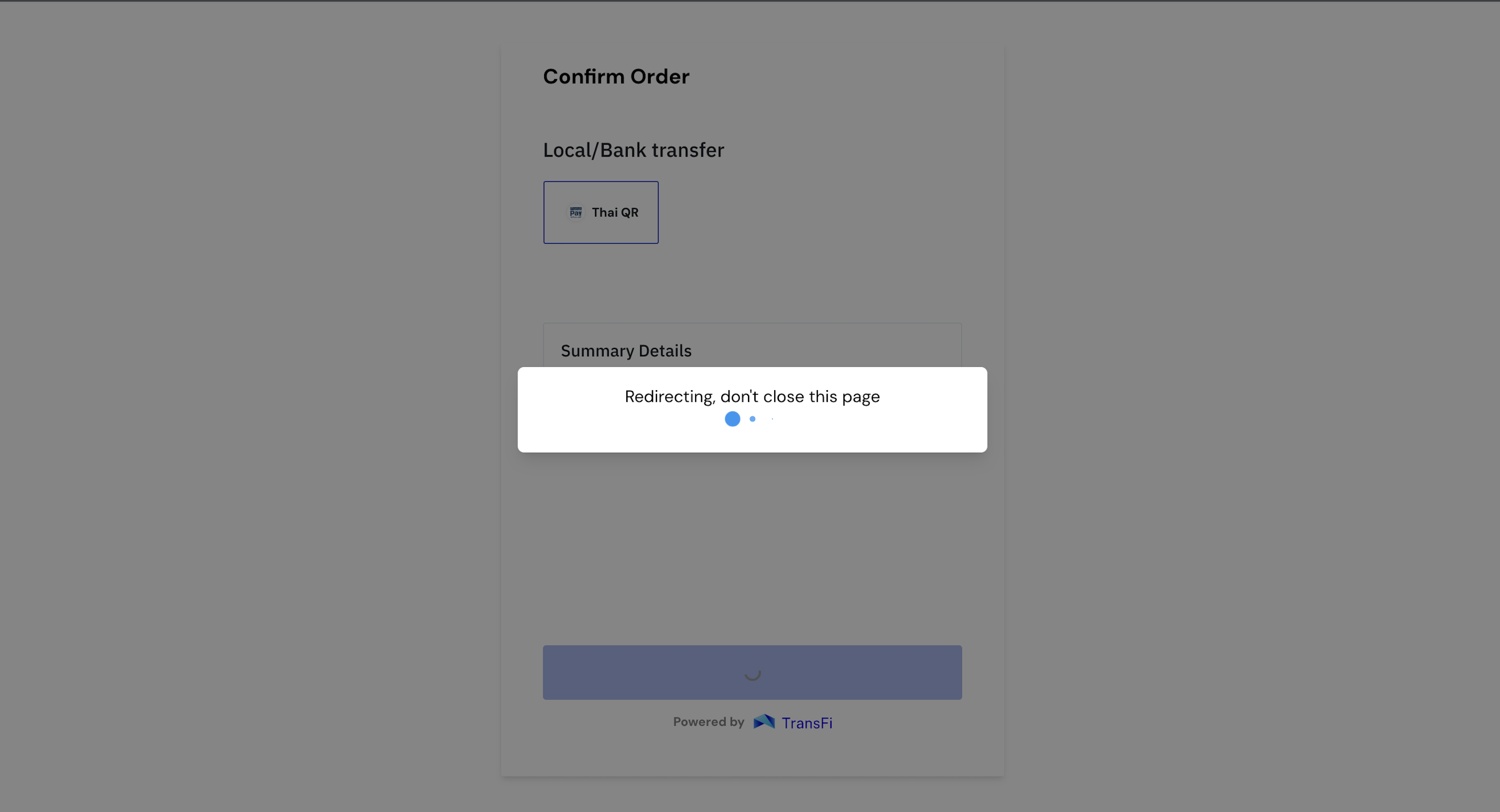
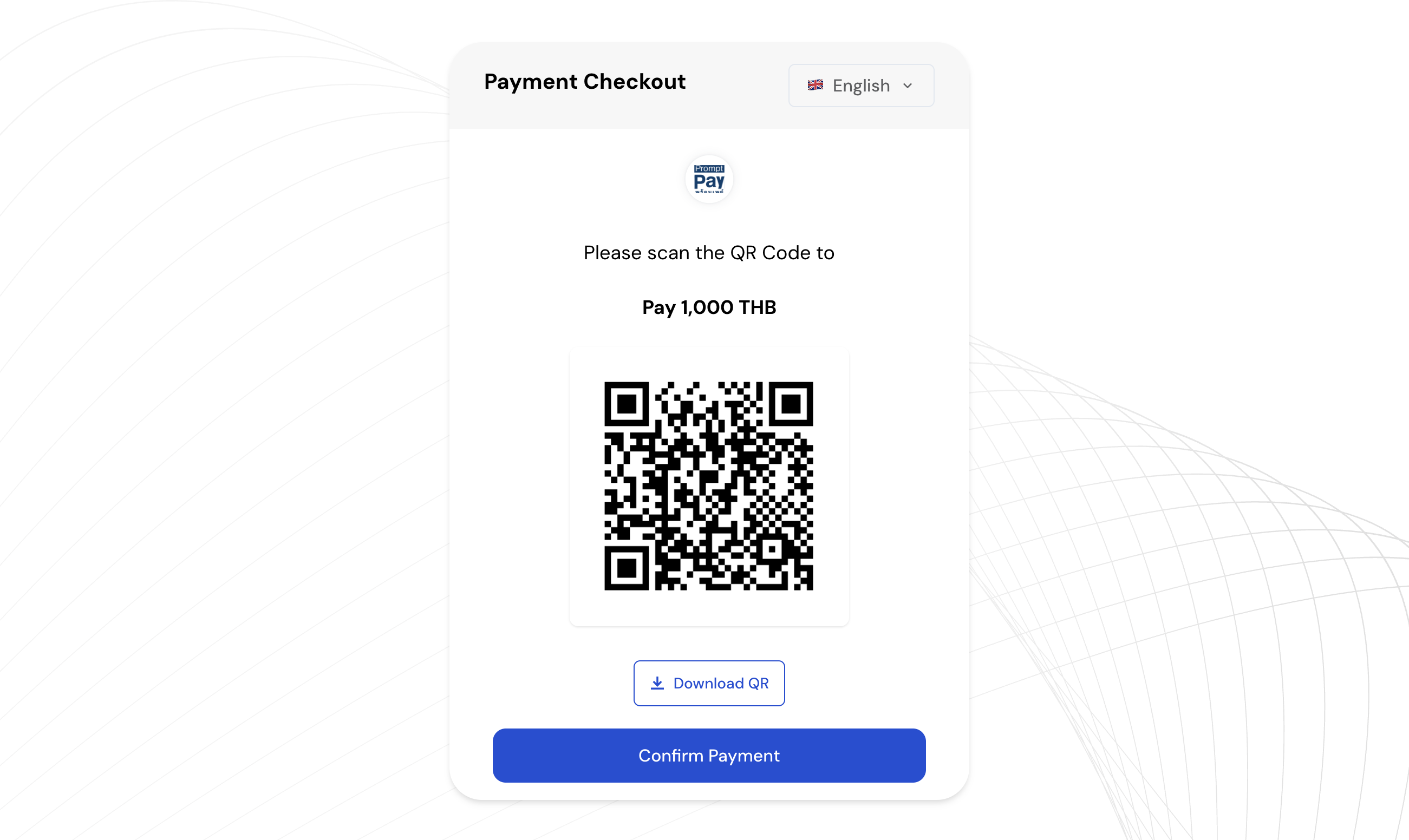
THAI QR

Confirm Order Page


Payment Checkout Page


Updated over 1 year ago


HALOPESA
BANK TRANSFER
Did this page help you?
    • Confirm Order Page
    • Payment Checkout Page