
Reconciling IBAN Deposits and Unlocking Balance (SANDBOX ONLY))
Sandbox Reconciliation API (SANDBOX ONLY)
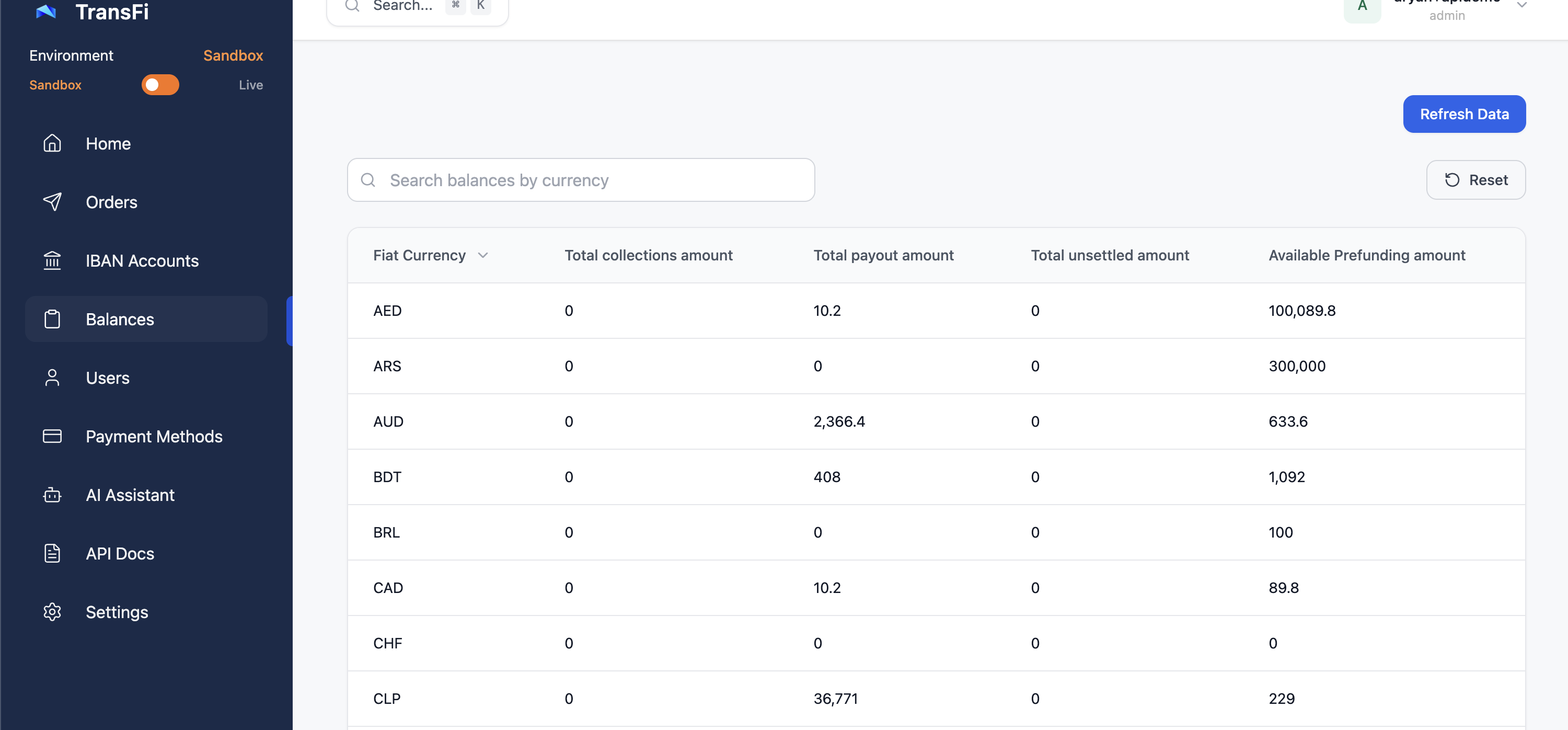
If you simulated an incoming IBAN deposit using the "collections" deposit type, you will notice that those funds currently sit in your Locked Balance. Because TransFi requires an order to process funds, these unlinked deposits must be reconciled against a specific order before they can move to your Unsettled Collection Balance.
In a production environment, TransFi automatically attempts to match incoming funds to existing orders. However, in the Sandbox environment, you must manually trigger this matching process to test your collection flows fully.
The Sandbox Reconciliation API simulates this internal matching logic, linking your mock deposit to a specific order ID and unlocking the funds.
Note: This endpoint is strictly for the Sandbox environment.
How to Reconcile a Deposit
To reconcile an unlinked deposit, you need to pass the specific user ID and the target order ID you want to match the funds against.
Make a request to the /reconcile-iban-deposit endpoint:
Request Example:
curl --location 'https://sandbox-api.transfi.com/v3/simulation/reconcile-iban-deposit?userId=UX-260108160852530&orderId=OR-2603121204544315793' \
--header 'MID: *****' \
--header 'Content-Type: application/json' \
--header 'Authorization: *****'
Query Parameters
| Parameter | Type | Description |
|---|---|---|
userId | String | The unique identifier of the user (Sender) associated with the IBAN and the order. (e.g., UX-260108160852530) |
orderId | String | The unique identifier of the order you want to link the locked funds to. (e.g., OR-2603121204544315793) |
What Happens Next?
Once you successfully call this API:
-
The system links the locked funds from your earlier simulation to the specified
orderId. -
The exact order amount is unlocked and moved into your Unsettled Collections Balance.
Updated 6 months ago